01 · Done in 3 taps
Share Wi-Fi
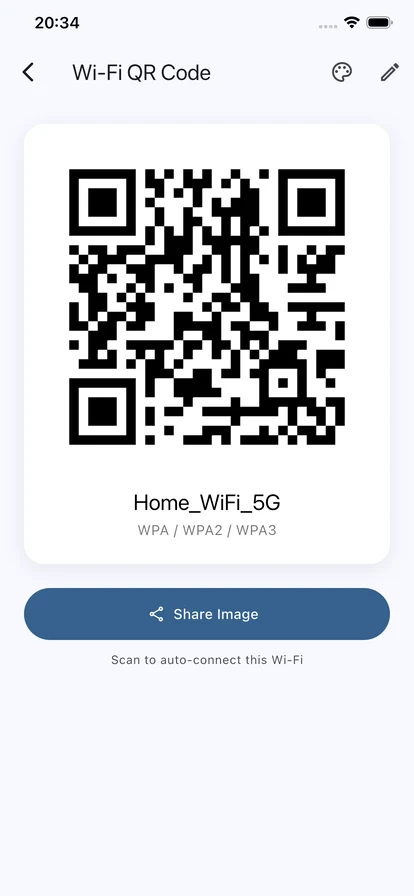
Turn the Wi-Fi name and password of your home, shop or hotspot into a standard Wi-Fi QR code — guests scan it and they are online.
Wi-Fi Share is a Wi-Fi toolkit for whoever runs the home network: share Wi-Fi with a QR code, see which devices are connected and check network health, with 18 tools in all. Free to download; Premium is NT$30 one-time, no subscription.
Wi-Fi Share puts QR connections, device scanning, network health monitoring and 18 tools in one app. Passwords stay on your phone — no account, and the app sends nothing to the cloud.
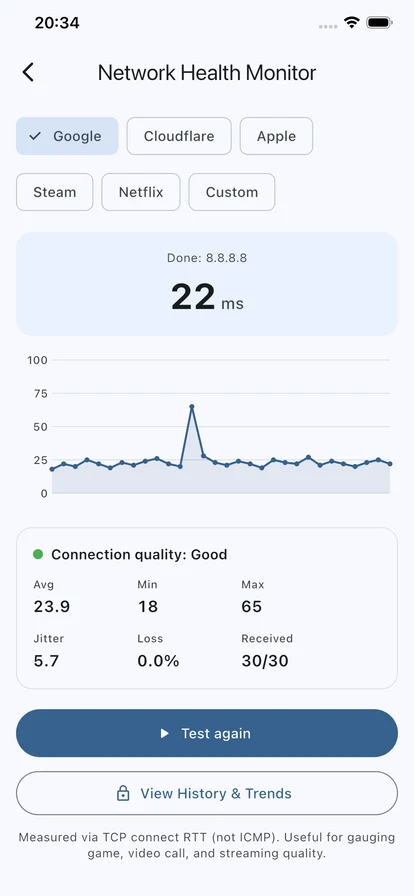
Health check
22 ms
Core flows
QR share / device scan / network diagnosis
Main tabs
5: QR Share, Tools, Network, Scan, Settings
Data promise
Passwords stay on the device; the app never uploads them
Pricing
Free to use, Premium is a one-time purchase
Three main flows
Sharing, checking and diagnosing are the three things you will do most; the advanced tools are covered in full further down.
01 · Done in 3 taps
Turn the Wi-Fi name and password of your home, shop or hotspot into a standard Wi-Fi QR code — guests scan it and they are online.
02 · Scan
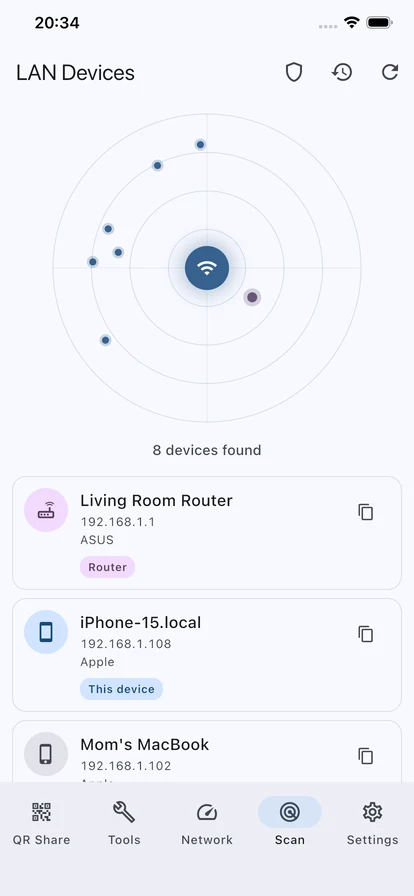
“Scan” finds routers, NAS, phones, TVs and printers, with nicknames, history and open-port scanning.
03 · 30-second health check
Ping, jitter, packet loss, DNS and IPv6 tests quickly tell you whether the problem is your Wi-Fi, the router or an outside service.
App tabs
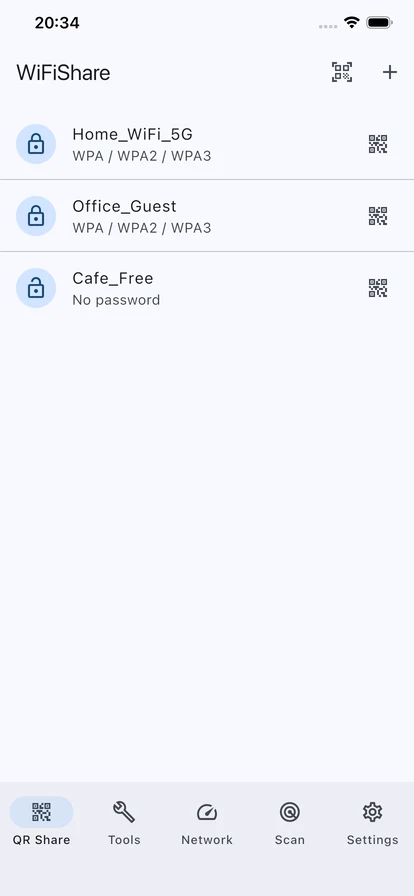
Save the Wi-Fi networks you use, show the QR code, share it as an image, and style it.
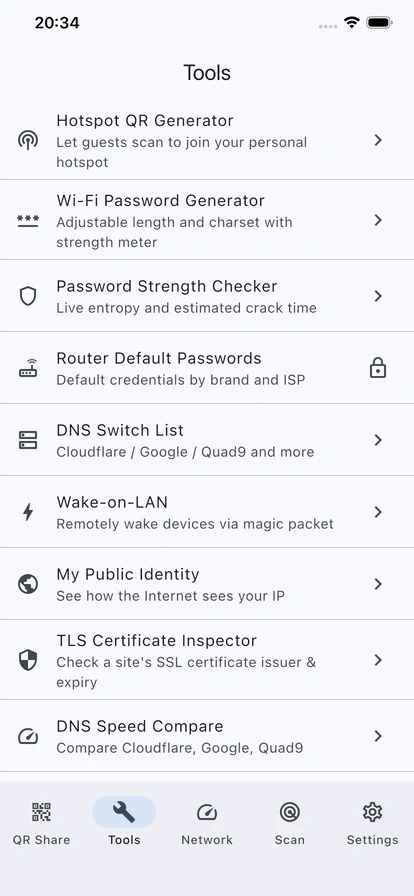
18 home and advanced network tools in one place.
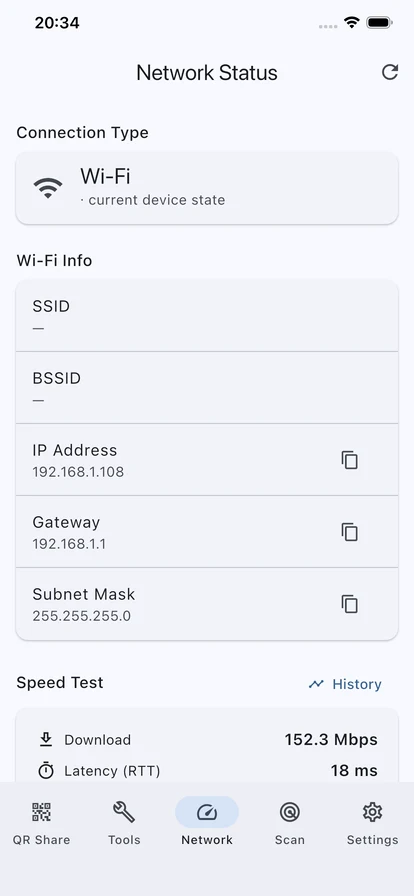
See Wi-Fi, IP, gateway, speed and history trends.
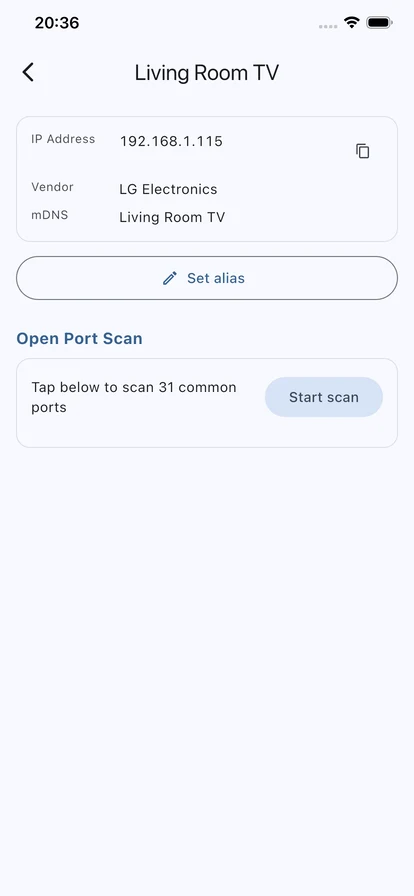
Scan your network, see device details, scan ports and review scan history.
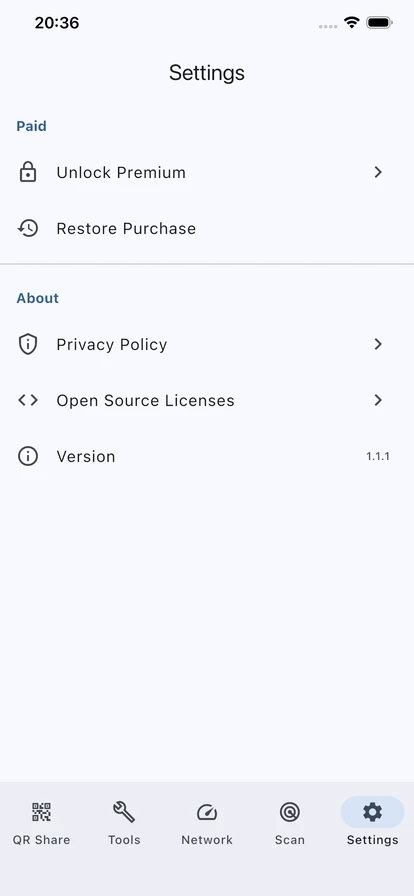
Unlock Premium, restore purchases, and read the privacy policy and open-source licences in Settings.
18 tools
Guest access, home device management, network quality checks and advanced lookups, organised into one pocket toolbox.
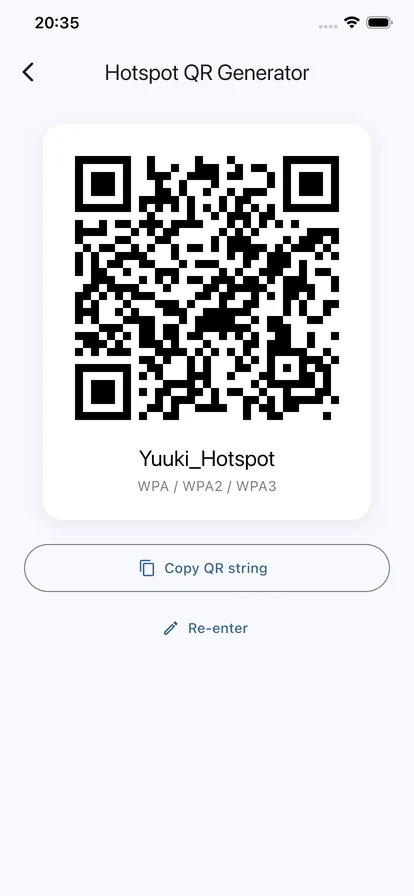
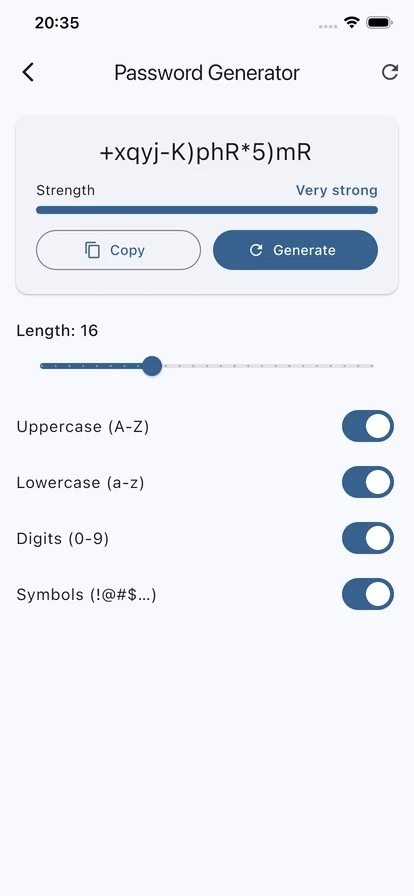
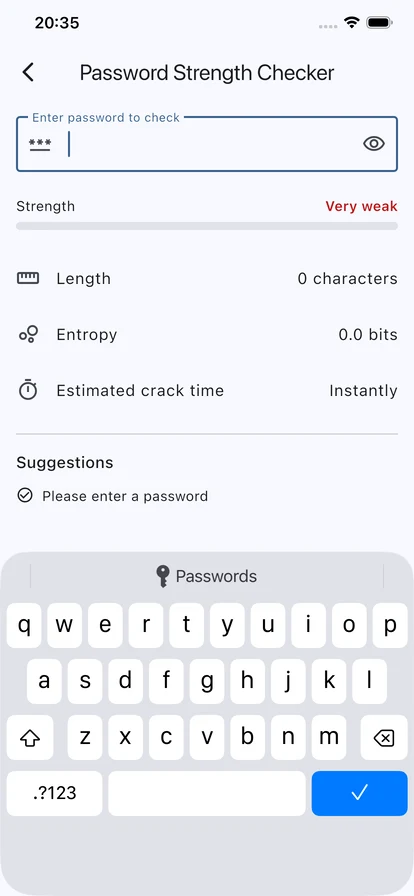
Guest Wi-Fi, hotspot QR, password generation and strength checks.
Quickly see how your network is doing and where it is slow.
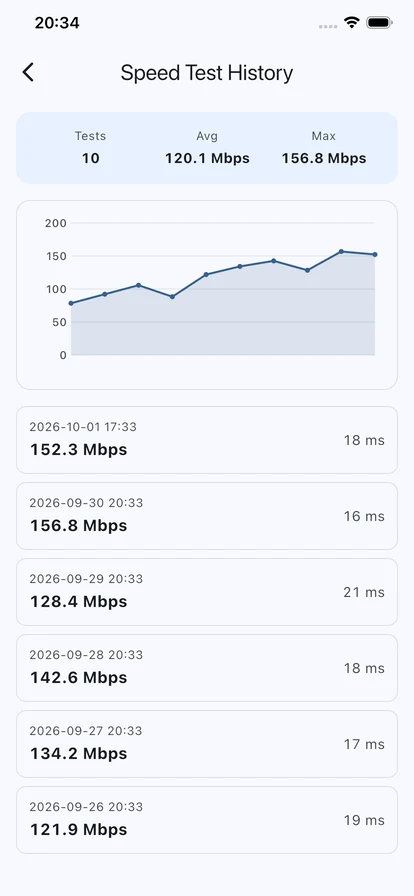
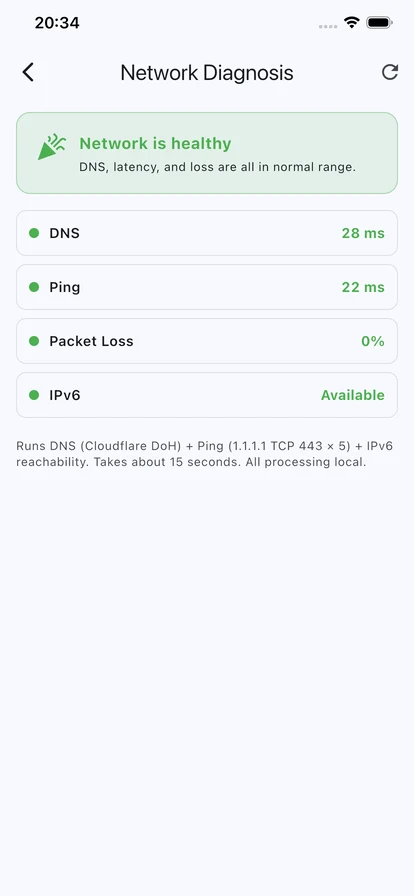
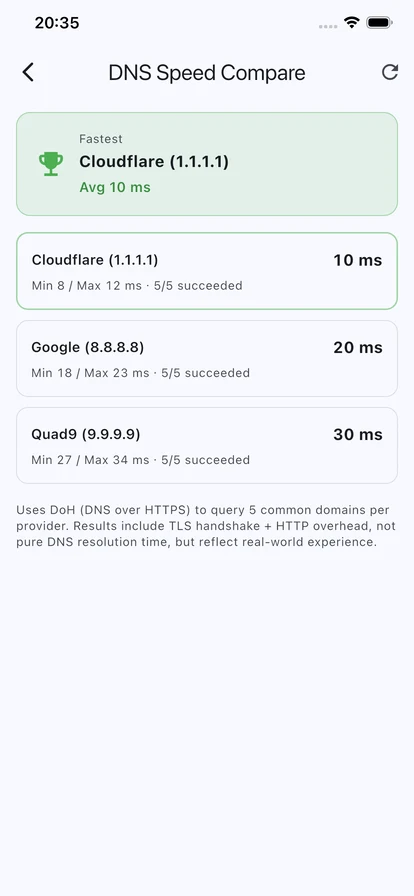
For NAS fans, IT folks and small shops chasing down problems.
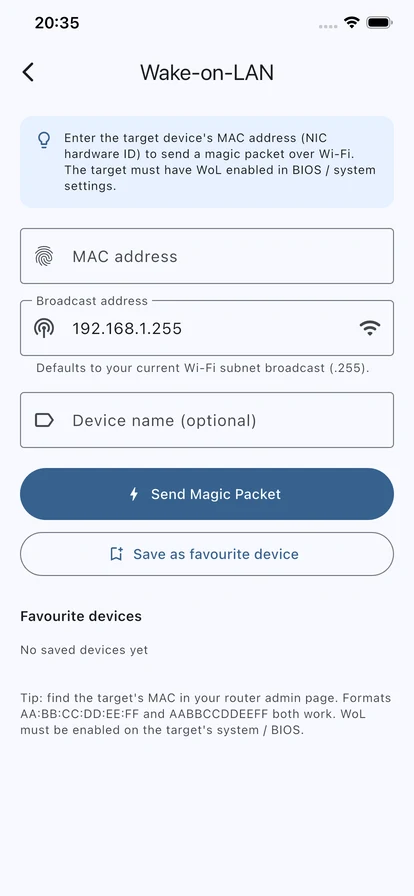
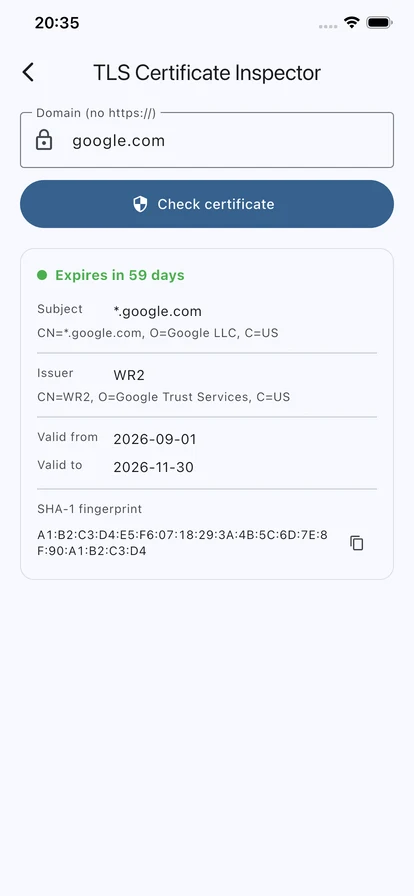
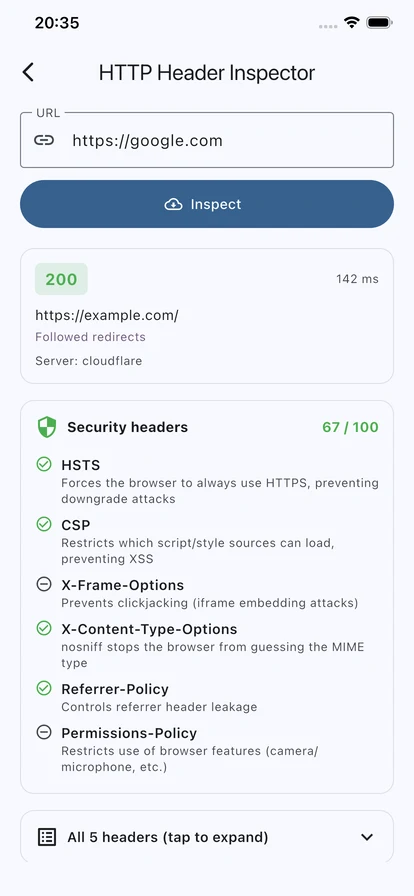
It is not just a QR generator. It is a home-network toolbox: share, scan, monitor and look things up.
More screens
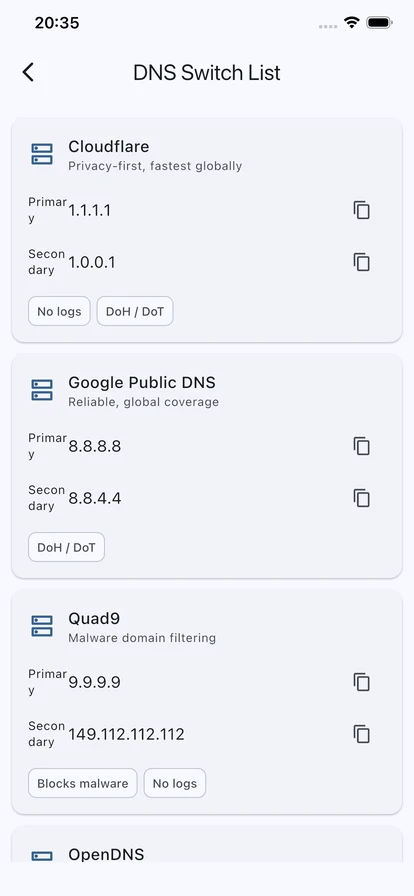
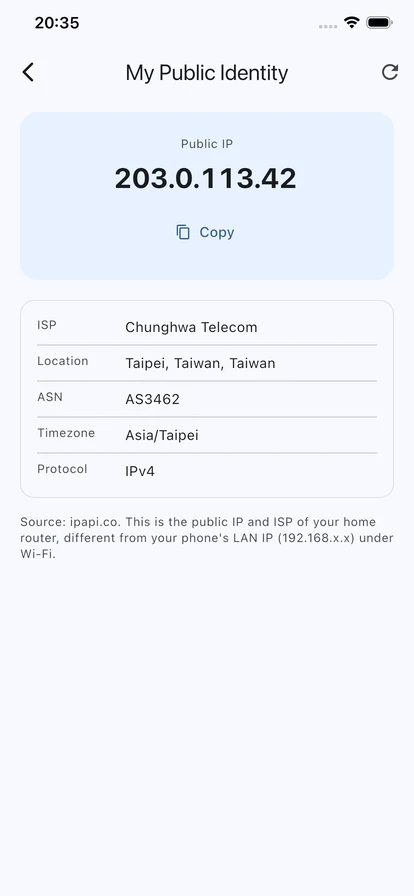
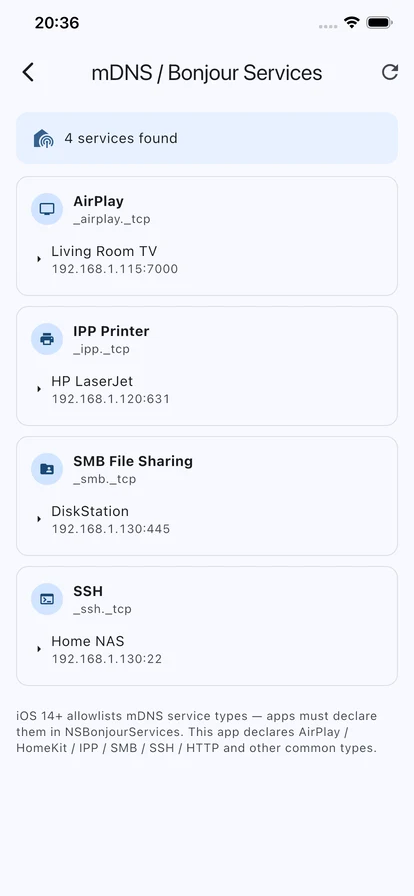
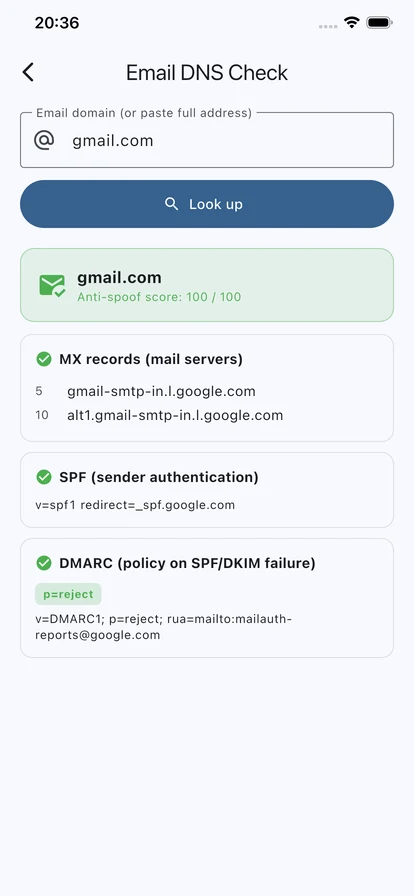
Wi-Fi names, passwords and QR codes are all handled on the device. No account needed, and no personal details asked for.
QR sharing, network info, password tools and the basic network tools are ready to use; extra capacity and features unlock with Premium.
Premium is a one-time purchase — no subscription. When your speed tests run out, you can also watch a short ad for one more.
FAQ
No. Passwords are kept in encrypted storage on your phone, and QR generation and the password tools all run on the device.
Phones only hand the Wi-Fi name to apps that have location permission. Wi-Fi Share does not ask for it, so enter the Wi-Fi name by hand.
Both. Up front you get QR sharing and home network checks; further in there are advanced tools like DNS, TLS, RDAP, mDNS and HTTP headers.
Download now
Available on iPhone, iPad and Android. The core features are free; Premium is a one-time purchase.